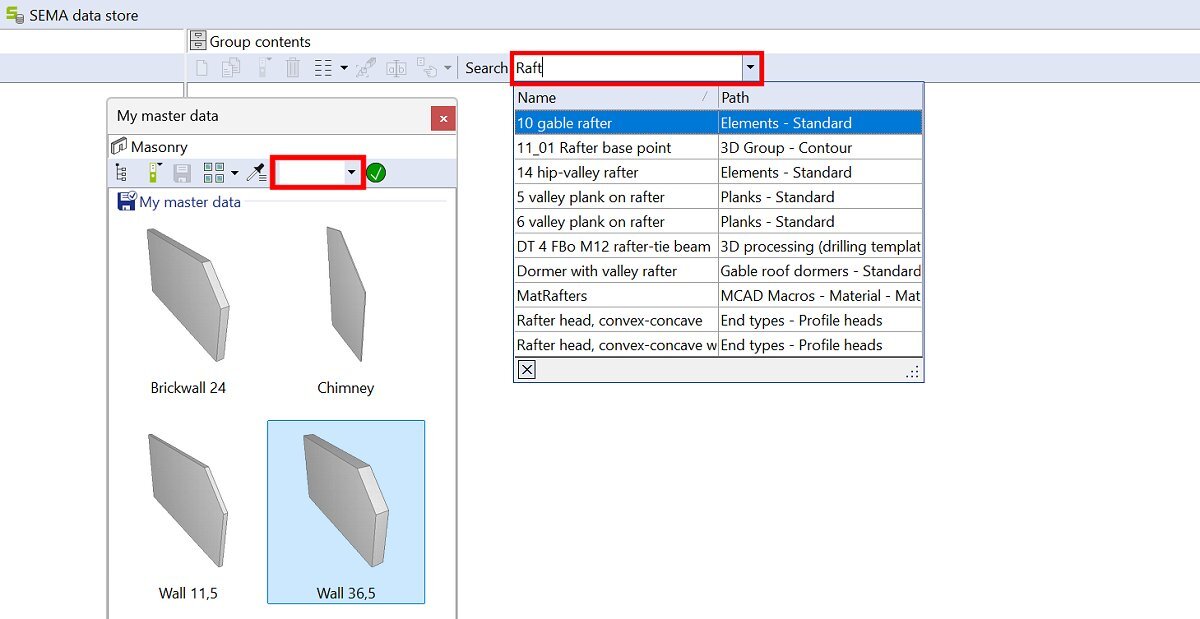
A search function has been integrated into the top command line in master data management. This can be used to search for component names in the currently active master data folder.
Loading...
No content found!
Searching in master data and creation commands
Once a name has been entered and a matching entry found, you can switch directly to the corresponding component with a click. Both the name and the path of the component are displayed in the search field. In addition, the search function has also been integrated into the create command for all components.
Unlike in master data management, all active master data folders are searched and the results are clearly listed.