This feature is available to all customers with a subscription to the corresponding software package.
Loading...
No content found!
CUTTING ROOF SURFACES IN 3D
By cutting and intersecting roof surfaces in the 3D view, partial roofs and roof surfaces can now be connected quickly and clearly.
When selecting roof surfaces, you can also select an entire partial roof by right-clicking. This makes it possible, for example, to intersect a subsequently created transverse structure, including all roof layers, directly with the main roof surface.
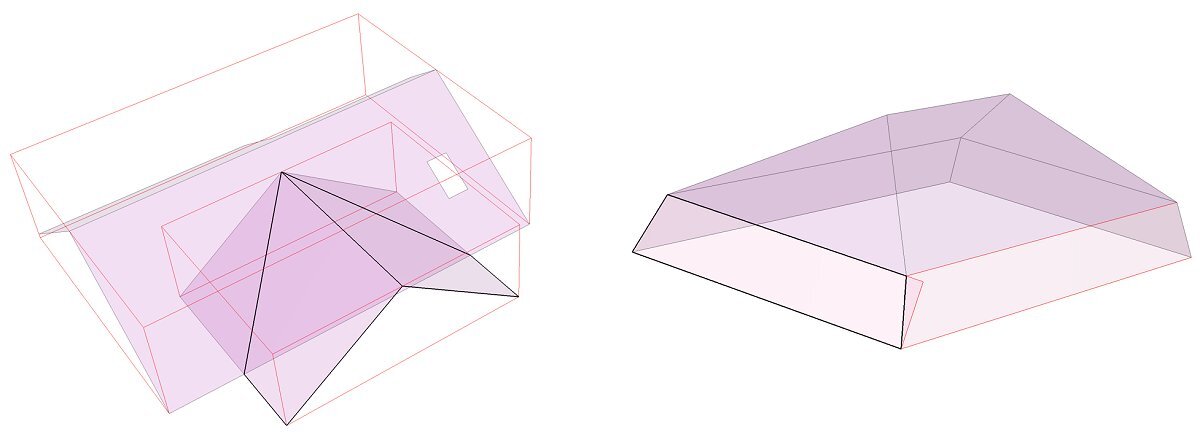
A clear preview is now displayed for each of the various intersection options, which makes data entry much easier.