Graphics cards, RAM, monitors & co - what technology do you need for SEMA?
Technology is making rapid progress, but you don't need to buy a premium PC to work with SEMA.
-
-
-
-
-
-
-
In short:
- SEMA does not place excessive demands on PC hardware
- An up-to-date computer and Windows 11 as operating system is sufficient
- A better computer does not automatically lead to faster work
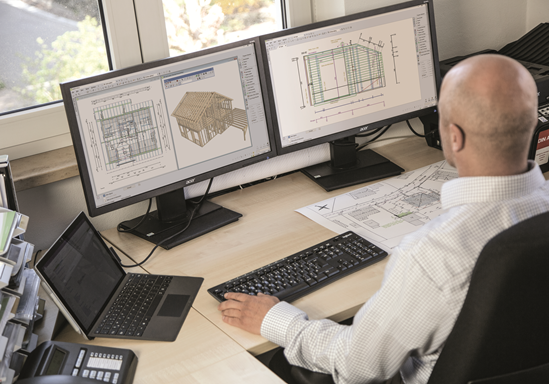
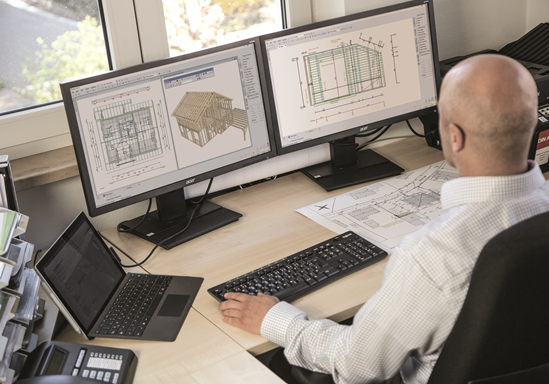
- We recommend a second screen
- You can find the exact hardware requirements here
-
-
-
-
-
-
We receive a number of questions about laptops, monitors etc. time and again, which is why we would like to address them individually:
Laptops
SEMA runs stable and smoothly on laptops. Werecommend a separate graphics card.
Tablets:
In principle, SEMA can also be run on tablets, but there are a few points to bear in mind:
- the performance of tablets quickly reaches its limits- Windows 11 or higher should be installed as the operating system
- We recommend a separate graphics card
- not every processor is suitable. We regularly update the findings from internal tests, which can be found below the table with the minimum requirements
Screen:
Even though SEMA can be displayed on almost any screen , we recommend using one, or preferably two, large, high-quality monitors. If you work on a poor monitor for a long time, you will get tired more quickly and work less effectively - and it's not healthy either!
Docking station
Working with a docking station is possible without any problems. In individual cases, it may be necessary to connect the screens directly to the laptop.
Apple and virtual machines:
We clearly recommend working with Windows 11 or higher and a physical PC. We focus our developments on this software environment and assume no responsibility for solutions outside this framework.
And what is an up-to-date computer?
IT experts and craftsmen may have different opinions here. To avoid misunderstandings, only clear facts will help, or in this case: a look at the minimum requirements on our homepage.